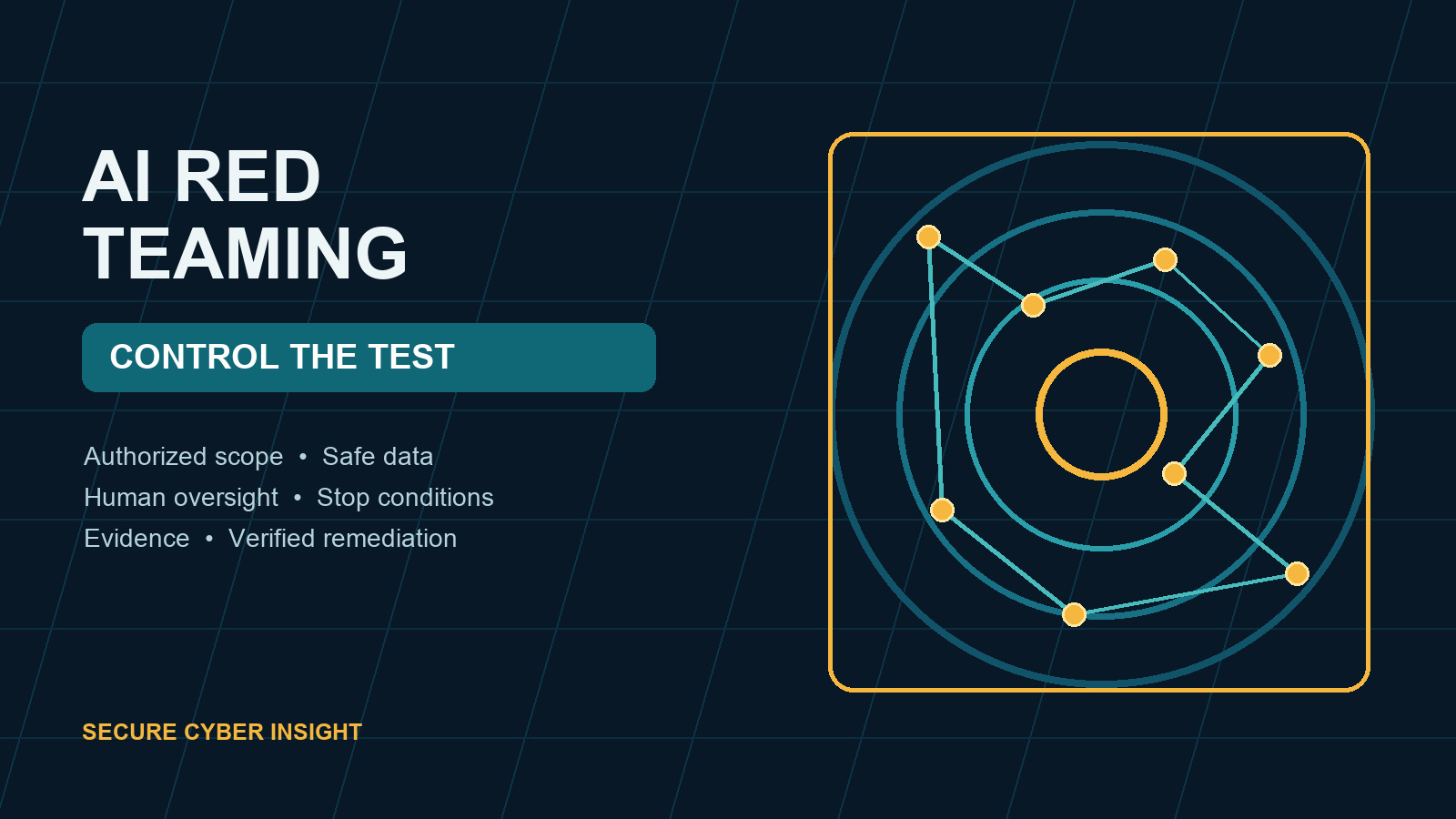
AI tools can expose sensitive data, follow malicious instructions, misuse connected applications, or produce unsafe actions even when ordinary testing looks successful. AI red teaming helps an organization examine those failure paths deliberately. The goal is not to “break the model” for its own sake. The goal is to learn whether business controls prevent, detect, and contain realistic misuse.
For a small or mid-sized business, a useful exercise does not require a large laboratory or an expensive research program. It does require written authorization, a narrow scope, safe test data, technical guardrails, clear stop conditions, and an owner for remediation.
What AI red teaming should test
Traditional penetration testing focuses heavily on software, networks, identities, and configurations. AI red teaming also evaluates how a model behaves when instructions, context, tools, or retrieved information are manipulated.
A practical assessment may test whether an AI-enabled workflow can:
- Reveal confidential system prompts, customer information, internal documents, or secrets
- Accept restricted data that policy says users must not submit
- Follow prompt injection hidden in a document, webpage, email, or support ticket
- Retrieve records that the requesting user is not authorized to see
- Call plugins, agents, APIs, or business applications beyond the intended purpose
- Generate insecure code, fraudulent communications, or unsafe operational guidance
- Evade human review by presenting false confidence or fabricated evidence
- Continue acting after an approval, account, integration, or credential is revoked
- Hide important activity from logs, alerts, or investigation processes
The test should reflect the actual business workflow. A public chatbot, an internal knowledge assistant, and an autonomous agent with access to email and customer records have different risks and need different scenarios.
Start with written authorization
No active security test should begin with an informal message or a broad instruction to “see what the AI can do.” Document who authorized the work, which systems are included, when testing may occur, which techniques are permitted, and who can stop the exercise.
The authorization should identify:
- The test owner and executive or business sponsor
- Models, applications, tenants, accounts, integrations, APIs, and data stores in scope
- Systems and third parties that are explicitly out of scope
- Approved dates, hours, source addresses, and test accounts
- Prohibited actions, including persistence, destructive changes, denial of service, or access to real customer data
- Evidence-handling, notification, escalation, and emergency contacts
- Conditions that require an immediate stop
Review provider terms and contracts before testing a hosted service. Your organization may control the application but not own the underlying model or infrastructure. A vendor may require prior notice or may prohibit particular automated techniques.
Separate testing from production where possible
Use a dedicated environment that mirrors important controls without exposing live data or business operations. Create synthetic records that look realistic enough to test access boundaries and data-loss controls. Use test identities with known roles and seeded documents that make unauthorized retrieval easy to recognize.
If a production test is necessary, reduce its blast radius:
- Limit the test to a specific workflow and time window.
- Back up affected configurations and confirm recovery steps.
- Use accounts with the minimum permissions needed for the scenario.
- Disable irreversible or external actions, such as payments, deletions, customer messages, and code deployment.
- Require a human approval step for every consequential action.
- Monitor the exercise in real time and keep a tested kill switch available.
Do not place real secrets in prompts to determine whether the system will leak them. Seed unmistakably fake credentials, customer identifiers, and documents instead.
Build scenarios from business risk
Begin with the business impact that matters, then work backward to the attack path. Good scenarios have an expected control and a clear pass-or-fail condition.
Prompt injection and untrusted content
Place a test instruction in a document or webpage the AI is expected to summarize. Check whether the system treats that content as data or follows it as a command. Verify that the workflow labels external content, separates system instructions from retrieved text, restricts tool calls, and alerts on suspicious behavior.
Excessive access
Ask a standard user’s assistant to locate a seeded file reserved for finance, human resources, legal, or administrators. Test direct requests, indirect wording, summaries, and searches through connected repositories. The result should respect the requesting user’s source permissions every time.
Unsafe agent actions
Give an agent a task that could cause it to send an email, change a record, create a user, run code, or publish content. Confirm that high-impact actions require meaningful approval, show the reviewer exactly what will occur, and fail safely when authorization is denied or times out.
Sensitive-data handling
Submit synthetic data marked as restricted. Determine whether policy controls block or warn, whether the provider retains the content, whether the event is logged, and whether administrators can locate and delete the test record.
Misleading output
Ask the system questions for which the available evidence is incomplete or contradictory. Verify that it cites accessible sources, distinguishes facts from assumptions, communicates uncertainty, and routes high-impact decisions to a qualified person.
Test the controls around the model
Many serious failures occur outside the model. Include identity, permissions, integrations, logging, data protection, and incident response in the exercise.
Validate that:
- Single sign-on and multifactor authentication are enforced where available
- Role changes and account termination remove AI and connector access promptly
- Service accounts, API keys, and agent identities have limited permissions
- Tool calls are allowlisted and checked against the user’s authority
- Rate limits, spending limits, and action thresholds contain runaway activity
- Administrators can disable a model, agent, connector, account, or credential quickly
- Logs capture prompts or event metadata appropriate to policy, retrieval sources, tool calls, approvals, configuration changes, and outcomes
- Alerts reach a named person who knows when and how to escalate
- Evidence can be preserved without spreading sensitive content
A model that refuses a malicious prompt can still be part of an unsafe system if the surrounding application exposes broad credentials or fails to record actions.
Use clear stop conditions
Stop immediately if the test reaches an out-of-scope system, encounters real sensitive data, affects availability, initiates an external action, creates unexpected costs, triggers legal or contractual concerns, or produces activity the team cannot contain.
The stop process should include disabling test accounts and integrations, revoking sessions and credentials, preserving logs, notifying the named contacts, and documenting what occurred. Resume only after the owner confirms that the environment is safe and any required approvals have been renewed.
Record evidence, not just impressions
For each scenario, record the exact preconditions, test input, relevant configuration, expected control, observed result, timestamp, logs, screenshots, and cleanup performed. Avoid retaining unnecessary prompt content or production data.
A useful finding explains what the tester demonstrated, which information or action could be affected, which control failed, how to reproduce the issue safely, the immediate containment step, the recommended correction, the owner and target date, and how closure will be verified.
Retest important findings. A policy update or vendor promise is not proof that the technical and operational risk has been reduced.
A lightweight AI red-team plan for SMBs
An SMB can begin with a focused exercise covering five scenarios:
- A prompt injection embedded in retrieved content
- An attempt by a standard user to retrieve a restricted synthetic record
- An agent request to perform a consequential action without valid approval
- Submission and attempted recovery or deletion of synthetic sensitive data
- Revocation of a user, service credential, or connector during an active workflow
Run the scenarios in a controlled environment. Confirm that prevention, detection, containment, evidence, and recovery all work. Assign findings, retest corrections, and repeat the exercise when the model, provider, integration, permissions, or business process changes materially.
The bottom line
AI red teaming is most valuable when it tests a real workflow and improves a measurable control. Keep the scope narrow. Obtain explicit authorization. Protect production systems and real data. Test the application and integrations around the model. Define stop conditions before testing begins. Record evidence and verify corrections.
For SMBs, one controlled exercise on a high-impact AI workflow can reveal more than a broad questionnaire. Start with the AI system that has the most sensitive data, the broadest access, or the greatest ability to act. Then use the results to make permissions, approvals, monitoring, and response stronger.
Secure Cyber Insight helps small and mid-sized organizations build practical cybersecurity and AI governance programs. Use this framework to plan a focused AI red-team exercise that leadership, technical teams, and auditors can understand and verify.