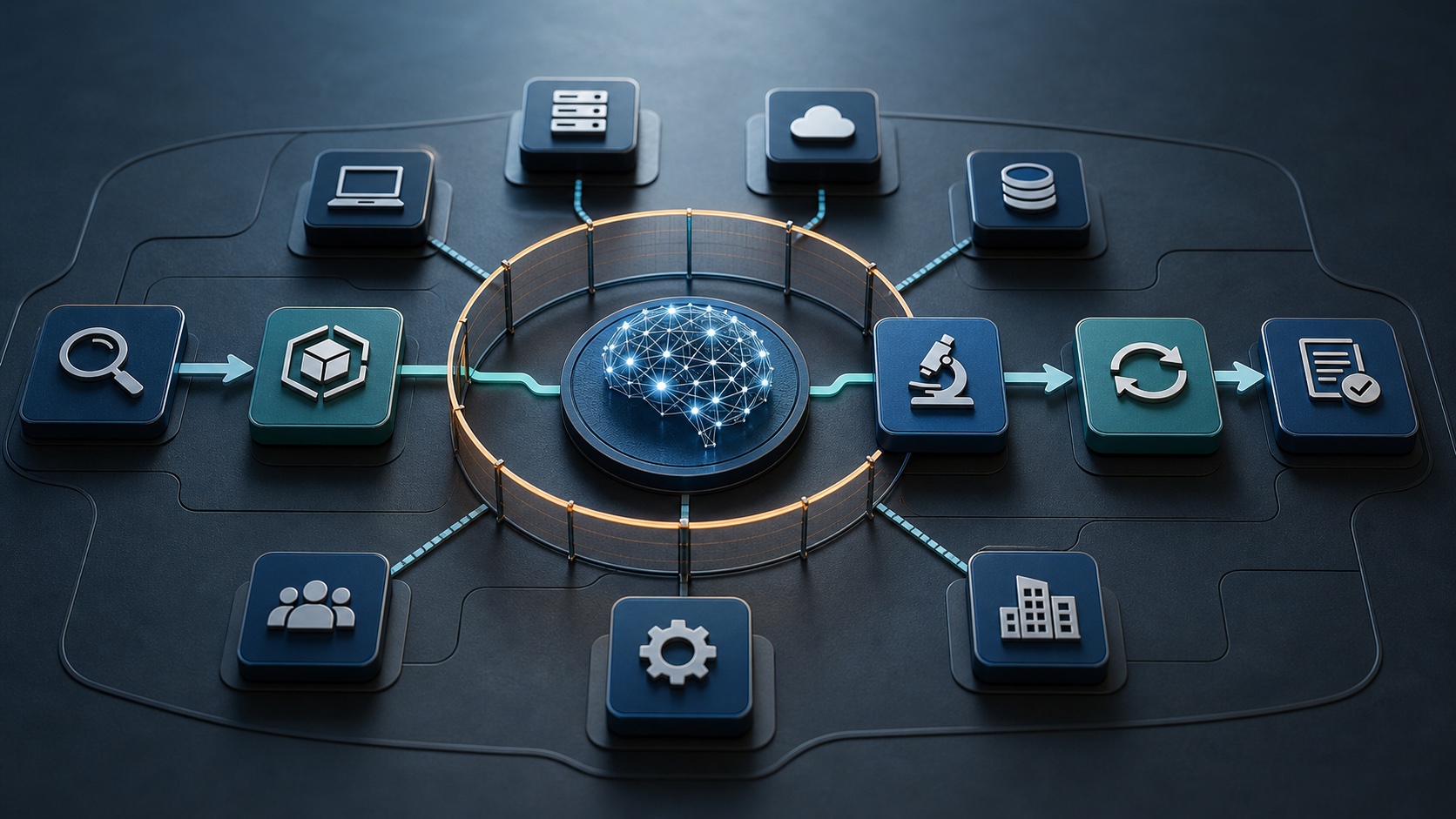
AI tools now connect to email, documents, customer records, code repositories, meeting transcripts, cloud services, and internal knowledge. Those connections make AI useful. They also give a small mistake or compromised account more ways to affect the business.
An employee may upload sensitive data to an unapproved AI service. An AI agent may take an unintended action. A malicious prompt may influence a connected assistant. A vendor may disclose an AI-related security weakness. A generated recommendation may be trusted without review and change a production system.
Small and mid-sized businesses do not need a separate crisis manual for every AI tool. They do need an AI incident response playbook that extends the existing cyber incident process to cover AI-specific systems, evidence, decisions, and containment actions.
This guide explains how to build a practical playbook that an SMB can use before an AI incident becomes a business emergency.
What is an AI security incident?
An AI security incident is an event involving an AI system that threatens the confidentiality, integrity, availability, privacy, safety, or authorized use of business information and services.
Examples include:
- Sensitive or regulated data entered into an unauthorized AI tool
- An AI assistant accessing information beyond a user's business need
- Prompt injection that changes an AI system's behavior
- A connected AI agent sending messages, changing records, executing code, or calling tools without proper approval
- Exposure of prompts, outputs, transcripts, embeddings, logs, or model credentials
- A compromised account using AI connectors to reach multiple systems
- Unsafe or materially incorrect AI output used in a business decision
- A vendor AI incident that affects company data or operations
- A model or agent reaching an external system outside the expected test or production boundary
Not every inaccurate answer is a security incident. The response team should assess whether the event created actual or credible risk to data, systems, customers, employees, legal obligations, or business operations.
Add AI to the existing incident response process
Most SMBs already have some form of incident response plan, even if it is short. AI should fit into that process rather than operate as a separate program.
The familiar stages still apply:
- Prepare
- Detect and analyze
- Contain
- Eradicate and recover
- Communicate
- Learn and improve
The difference is the evidence and control points. AI incidents may involve prompt history, connector permissions, agent tool calls, model outputs, vector stores, vendor logs, safety settings, and human approval records. The playbook should tell responders where those records are and who can preserve them.
Step 1: Prepare before an AI incident
Response starts with knowing what the business uses.
Create a practical AI inventory that records:
- Tool and vendor name
- Business owner
- Technical administrator
- Approved use
- Data types the tool may process
- Connected applications and data sources
- Authentication method and privileged roles
- Logging and export options
- Retention and deletion settings
- Vendor security contact
- Contractual notification terms
- Method for disabling users, connectors, agents, or the entire service
Prioritize tools that can access sensitive data or take actions. A writing assistant with no connectors presents a different response challenge than an autonomous agent with access to email, customer records, cloud storage, and code deployment.
The organization should also identify the response team. For a smaller company, that may include an executive, IT administrator, security provider, legal adviser, privacy contact, communications lead, business system owner, and cyber insurance contact.
Document after-hours contact information and decision authority. During an incident, responders should not lose time deciding who can disable an AI service or revoke a high-risk connector.
Step 2: Define AI incident triggers
Employees need a simple way to recognize and report an event.
Useful reporting triggers include:
- The AI system reveals information the user should not see.
- A prompt or uploaded file contains sensitive data that the tool was not approved to process.
- The AI system performs an unexpected action.
- A connector reaches an unexpected system or record.
- An account, API key, service identity, or agent credential may be compromised.
- A model output causes or could cause material harm.
- The vendor reports unauthorized access, data exposure, or a serious vulnerability.
- Logs show unusual prompt volume, tool use, exports, deletions, or permission changes.
- An AI evaluation or test escapes its intended boundary.
Give employees one reporting route, such as the normal security mailbox, help desk, hotline, or incident form. Tell them not to delete prompts, chats, screenshots, emails, or files related to the event.
Step 3: Triage the incident
The first responder should establish what happened without allowing the activity to continue.
Ask:
- Which AI tool, model, agent, account, or connector is involved?
- Is the system still taking actions?
- What data may have been viewed, submitted, generated, changed, or disclosed?
- Which people, customers, systems, and vendors may be affected?
- Was the activity intentional, accidental, or unknown?
- Does the system have privileged access?
- Are credentials, tokens, or API keys exposed?
- Can the event spread through connected services?
- Are legal, regulatory, contractual, or cyber insurance notification duties possible?
Use a simple severity model. A low-severity event may involve an approved tool producing a harmless incorrect answer. A high-severity event may involve sensitive data exposure, privileged agent activity, customer impact, production changes, credential compromise, or continuing unauthorized access.
When facts are incomplete, classify based on credible impact and revise the severity as evidence improves.
Step 4: Contain the AI system safely
Containment should stop harmful activity while preserving evidence.
Depending on the event, responders may:
- Suspend the affected user or service identity
- Disable the AI agent or automation
- Revoke sessions, API keys, tokens, and delegated permissions
- Disconnect email, storage, CRM, code, database, or browser connectors
- Remove privileged roles
- Block outbound network access
- Quarantine affected files or records
- Disable external sharing
- Pause the vendor service for the organization
- Restrict the tool to a smaller approved data set
Avoid immediately deleting the account, prompt history, or workspace unless continued exposure requires it. Deletion can destroy evidence. First capture timestamps, account identifiers, configuration, permissions, relevant prompts and outputs, tool calls, connector activity, and audit logs.
If an autonomous agent is still operating, stopping its ability to act is usually more urgent than preserving every detail in place. Record the containment action and time.
Step 5: Preserve AI-specific evidence
Traditional endpoint and identity evidence still matters. AI systems add other records that responders should consider:
- Prompt and conversation history
- Uploaded files and retrieved source documents
- AI outputs and generated artifacts
- Agent plans, tool calls, and execution results
- Connector permissions and access logs
- Model, version, system prompt, and safety configuration
- Retrieval indexes, embeddings, and source mappings
- Administrative changes
- User, service account, and API authentication logs
- Content filters, alerts, and policy violations
- Human approval or override records
- Vendor notices, support tickets, and status updates
Preserve only what is relevant and authorized. Evidence collection should follow privacy, employment, legal, and contractual requirements.
Build a timeline that distinguishes verified facts from assumptions. AI outputs can sound confident while being wrong; they should not be treated as authoritative evidence without corroboration.
Step 6: Eradicate the cause
Containment stops the immediate event. Eradication addresses why it happened.
Common corrective actions include:
- Resetting credentials and rotating secrets
- Fixing excessive permissions
- Removing an unsafe connector
- Correcting agent instructions or tool restrictions
- Patching the application or vendor integration
- Blocking unapproved AI services
- Updating data loss prevention rules
- Removing exposed data from prompts, storage, indexes, or logs when appropriate
- Rebuilding an affected integration from a known-good configuration
- Requiring human approval for sensitive actions
- Changing vendor settings for training, retention, sharing, and external access
Test the correction in a controlled environment. Do not reconnect every system at once.
Step 7: Recover in stages
Restore service according to business risk.
A staged recovery might:
- Enable the AI tool for administrators only.
- Restore read-only access to approved data.
- Reconnect one low-risk integration.
- Monitor prompts, tool calls, permissions, and output.
- Restore higher-risk actions only after validation.
Define what success looks like. The affected behavior should no longer occur, permissions should match the approved design, credentials should be secure, logging should work, and the business owner should accept the remaining risk.
Increase monitoring during recovery. Watch for repeated prompts, unexpected retrieval, unusual tool calls, new external destinations, permission changes, and attempts to reuse revoked credentials.
Step 8: Communicate clearly
AI incidents can create confusion because early information is often incomplete. Use the same disciplined communication approach used for other cyber events.
An internal update should state:
- What is known
- What is not yet known
- Which systems or processes are affected
- What containment action has been taken
- What employees should do
- When the next update will be provided
Coordinate external statements with legal, privacy, insurance, customer, and regulatory requirements. Avoid speculative claims about what the AI “intended.” Describe observable actions and verified impact.
Maintain a decision log for notifications. Record who evaluated each obligation, the evidence considered, the decision, and the time.
Step 9: Learn from the incident
Hold a short review after recovery.
Ask:
- Did the inventory identify the system and owner?
- Could the team quickly disable the tool and its connectors?
- Were logs available and retained long enough?
- Did responders understand the AI-specific evidence?
- Were permissions broader than the approved use required?
- Did human approval work as intended?
- Did the vendor respond quickly and provide useful facts?
- Did the incident expose a gap in policy, training, contract terms, or architecture?
Convert lessons into assigned actions with owners and due dates. Update the AI inventory, risk assessment, playbook, training, access controls, vendor review, and tabletop scenarios.
A practical AI incident response checklist
Before an incident:
- Maintain an inventory of AI tools, owners, connectors, and data access.
- Identify how to disable accounts, agents, integrations, and service access.
- Confirm logs can be exported and retained.
- Record vendor security and escalation contacts.
- Define severity, notification, and decision authority.
- Test at least one AI incident scenario.
During an incident:
- Open an incident record and assign a lead.
- Stop continuing harmful activity.
- Preserve relevant AI, identity, endpoint, cloud, and vendor evidence.
- Identify affected data, systems, users, and third parties.
- Rotate exposed credentials and revoke unsafe access.
- Track decisions, actions, owners, and timestamps.
- Provide concise, scheduled updates.
After an incident:
- Validate the fix before full reconnection.
- Monitor the recovered system.
- Complete required notifications.
- Document root cause and business impact.
- Assign corrective actions.
- Update the playbook and retest it.
Test the playbook with an AI tabletop exercise
An untested playbook is only a draft.
Use a scenario relevant to the business. For example:
“A connected AI assistant begins retrieving confidential customer documents after processing content from an external email. The assistant has access to cloud storage and can draft outbound messages. The vendor dashboard shows unusual tool activity, but the full logs require a support request.”
Ask the team to decide:
- Who declares the incident?
- How is the agent stopped?
- Which credentials and connectors are revoked?
- What evidence is preserved?
- Who contacts the vendor?
- How is customer impact assessed?
- When are legal, insurance, and executive leaders involved?
- What conditions must be met before recovery?
The exercise should expose practical gaps without blaming participants.
Build a playbook the business can actually use
The best AI incident response playbook is not the longest. It is the one that gives responders reliable contacts, clear authority, usable containment steps, available evidence, and a tested path to recovery.
Start with the highest-risk AI system. Document its owner, data, connectors, shutdown method, logs, and vendor contact. Then run a tabletop exercise and fix what does not work.
AI changes the systems involved in an incident. It does not change the need for preparation, disciplined decisions, evidence, communication, and accountable follow-through.
Secure Cyber Insight helps small and mid-sized businesses strengthen cybersecurity governance, AI governance, incident response, and audit readiness with practical, right-sized guidance.