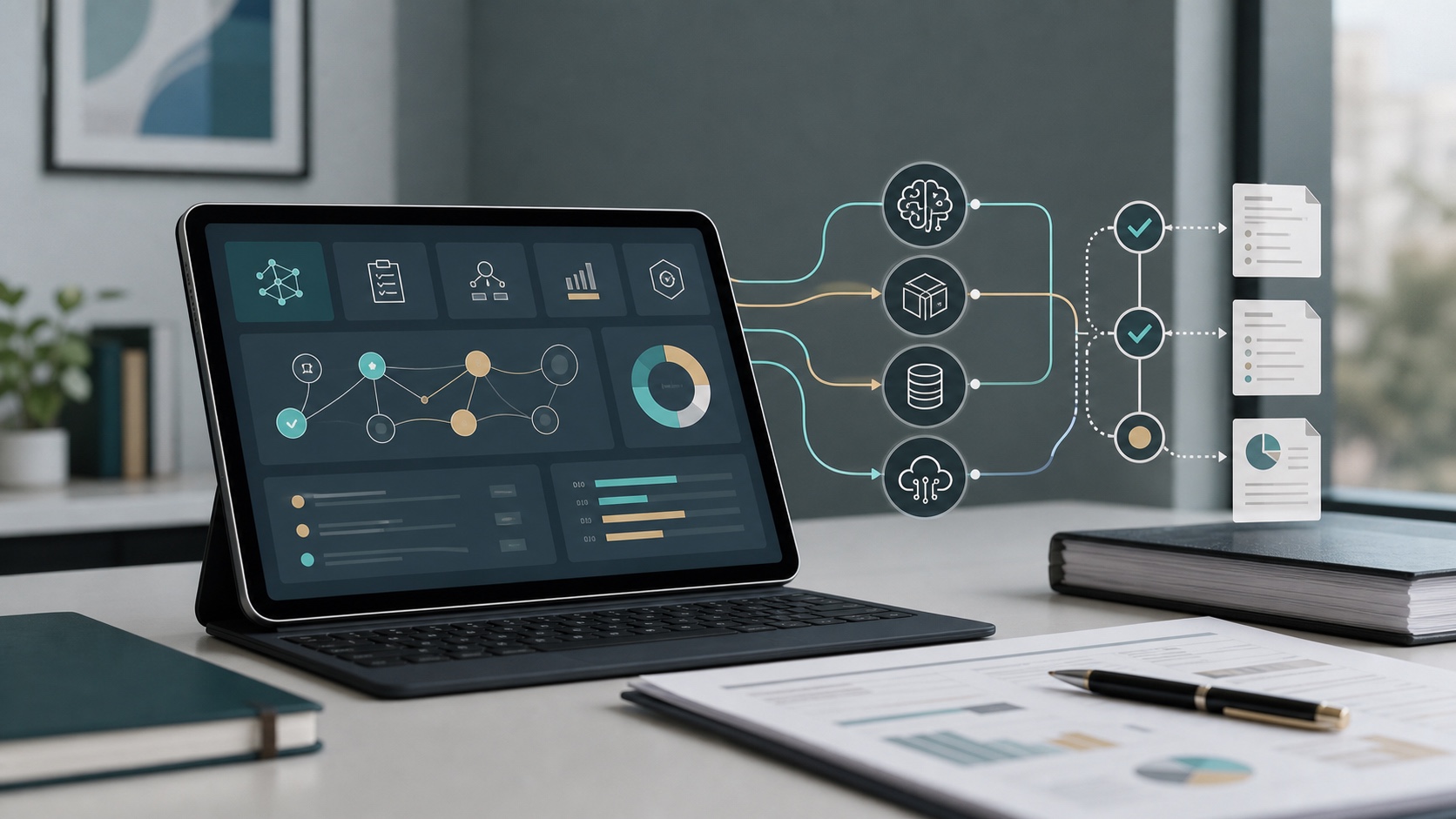
Software vendors are adding AI features quickly.
For small and mid-sized businesses, that creates a practical risk management problem. A tool that used to store records, manage tickets, support customers, process payments, schedule work, or organize files may now summarize content, generate recommendations, search across data, draft responses, classify records, or connect to a model provider behind the scenes.
Some of those features can save time. Some can also change the organization's cybersecurity, privacy, compliance, and vendor risk profile.
The issue is not whether every AI feature is dangerous. The issue is whether the organization understands what the feature does, what data it touches, who can use it, where information goes, how outputs are reviewed, and whether the vendor's terms support the organization's obligations.
For regulated SMBs, community banks, healthcare practices, professional services firms, manufacturers, nonprofits, and other organizations that handle sensitive information, vendor AI risk management should become part of the normal vendor review process. AI should not be approved only because it appeared inside a familiar platform.
Before enabling a vendor's AI feature, leaders should ask a short set of practical questions.
Why vendor AI risk management matters now
Many organizations already have a vendor risk management process. They review contracts, security questionnaires, SOC reports, insurance, data protection terms, access requirements, and business continuity information.
AI changes that review in several ways.
A vendor may introduce a new AI feature after the original contract was signed. The feature may process data differently from the core product. It may send prompts, files, transcripts, records, or metadata to another model provider. It may retain prompts and outputs. It may create new logs. It may allow broader search across records. It may generate content that employees rely on for customer, legal, technical, financial, or compliance decisions.
That means an existing "approved vendor" may now require a focused AI review.
Common examples include:
- CRM systems that generate customer summaries or sales recommendations
- HR platforms that draft job descriptions, screen resumes, or summarize employee records
- Finance tools that analyze transactions or recommend next actions
- Collaboration platforms that summarize meetings, chats, documents, or email
- Ticketing systems that draft support responses or classify incidents
- Security tools that use AI for alert triage or response recommendations
- Healthcare, legal, or financial systems that summarize regulated records
- Productivity suites that connect AI assistants to files, calendars, email, and chat
In each case, the organization needs to know whether the AI feature is appropriate for the data and workflow involved.
1. What exactly does the AI feature do?
Start with plain language.
Do not accept a vague description such as "AI-powered productivity" or "intelligent automation." Ask what the feature actually does in the product.
Useful questions include:
- Does it summarize, classify, search, recommend, generate, translate, transcribe, score, or automate?
- Does it operate only when a user asks, or does it run automatically?
- Does it affect customer-facing content, internal decisions, compliance evidence, or security operations?
- Can users rely on it directly, or is it only a draft or suggestion?
- Is the feature optional, enabled by default, or required for the product?
This step matters because different AI use cases create different risks. A meeting summary tool is not the same as an AI feature that recommends credit decisions, security actions, patient communication, hiring choices, or contract language.
2. What data can the AI feature access?
Data access is usually the most important vendor AI risk question.
The organization should identify the data categories the feature can process, retrieve, or infer from. This includes direct user inputs and any connected systems the AI tool can search or summarize.
Ask whether the feature can access:
- Customer, patient, client, member, or account information
- Employee records
- Financial data
- Legal or contractual records
- Security alerts or incident information
- Internal strategy, pricing, or business plans
- Source code, technical documentation, or credentials
- Email, chat, files, calendars, or shared drives
- Regulated records subject to retention, confidentiality, or notification requirements
Also ask whether the AI feature respects existing permissions. If a user cannot normally open a file, record, ticket, or mailbox, the AI assistant should not be able to summarize it for that user.
AI can make weak access controls more visible and more harmful. A user who could technically access too many records may now be able to ask the AI tool to find, summarize, or combine information that would have been harder to locate manually.
3. Is customer or business data used to train models?
Vendors often use similar words to describe very different data practices.
Ask directly:
- Is customer data used to train the vendor's models?
- Is customer data used to improve third-party models?
- Are prompts and outputs used for product improvement?
- Can the organization opt out of model training or product improvement use?
- Are there different rules for enterprise accounts, free accounts, trials, beta features, or individual user accounts?
For sensitive or regulated data, the organization may need contract language that restricts model training, reuse, or disclosure. A public FAQ may not be enough.
If the vendor says data is not used for training, also ask whether prompts, outputs, metadata, or logs are retained for abuse monitoring, debugging, quality review, analytics, or support. Retention can still matter even when data is not used for model training.
4. Where is data processed and stored?
AI features may involve more parties than the core product.
A software vendor may operate the application while a separate model provider processes prompts and outputs. Additional subprocessors may provide hosting, logging, monitoring, analytics, or abuse detection.
Ask:
- Which model provider or AI infrastructure is used?
- Are additional subprocessors involved?
- In what countries or regions is data processed?
- Is data stored after processing?
- How long are prompts, outputs, embeddings, transcripts, or logs retained?
- Can retention settings be configured?
- Are deletion requests honored across the vendor and AI subprocessors?
These questions help identify privacy, contractual, regulatory, and records retention issues before the feature becomes embedded in daily work.
5. What contract terms apply to the AI feature?
AI features sometimes sit behind separate terms, preview terms, beta terms, online service terms, product-specific addenda, or model-provider terms.
Do not assume the original master agreement fully covers the new feature.
Review whether the AI terms address:
- Confidentiality
- Data ownership
- Data use and model training
- Subprocessors
- Security controls
- Breach notification
- Regulatory support
- Audit rights or evidence
- Limitation of liability
- Indemnity
- Service availability
- Output ownership and use rights
- Ability to disable the feature
If the vendor cannot clearly identify the governing terms, that is a risk signal. The organization should not enable a high-impact AI feature until it knows what terms apply.
6. Who can enable, configure, and use it?
Vendor AI risk is not only about the vendor. It is also about local administration.
Ask:
- Who can turn the feature on?
- Can individual users enable it without admin approval?
- Can departments buy or activate AI add-ons outside normal procurement?
- Can the feature be limited to approved users or groups?
- Are administrator actions logged?
- Can high-risk connectors, plugins, or integrations be blocked?
- Does the tool support single sign-on and multifactor authentication?
- Is user access removed automatically when employees leave or change roles?
This review should connect to identity and access management. AI tools that connect to business systems should follow the same access control expectations as other sensitive systems.
7. How are outputs reviewed before use?
AI-generated output can sound confident even when it is incomplete, outdated, biased, or wrong.
That does not make AI unusable. It means the organization must decide where human review is required.
Review whether the vendor AI feature will produce:
- Customer-facing responses
- Compliance or audit language
- Legal, contract, or policy drafts
- Financial analysis
- Hiring, HR, or employee-impacting recommendations
- Security alert triage or incident response suggestions
- Medical, healthcare, or safety-related content
- Technical changes to systems or code
- Risk scores or prioritization recommendations
For higher-risk outputs, require qualified human review before use. The policy should state that AI output is a draft or decision-support input, not an authority by itself.
8. What evidence will the organization keep?
Auditors, cyber insurers, customers, regulators, and boards may ask how the organization reviewed AI-enabled vendors.
Keep review evidence that shows the decision was thoughtful and documented.
Useful evidence includes:
- AI feature description
- Business owner
- Data categories involved
- Vendor terms reviewed
- Security and privacy documentation
- Subprocessor notes
- Model training and data retention answers
- Access control configuration
- Approval decision
- Required human review steps
- User guidance or training records
- Date for the next review
This does not need to become a large paperwork exercise. A concise vendor AI review record is often enough for lower-risk tools. Higher-risk tools may require a deeper assessment.
9. Can the feature be disabled or rolled back?
Before enabling AI in a business process, confirm whether the organization can turn it off.
Ask:
- Can administrators disable the feature globally?
- Can it be disabled for specific users, departments, or data sets?
- Can prompts, outputs, or logs be deleted?
- Can connectors be removed?
- What happens to historical AI-generated records?
- Are there dependencies that make rollback difficult after adoption?
Rollback matters because AI features may change quickly. A vendor can update model behavior, terms, data flows, or available settings. The organization should not be trapped into a feature it cannot govern.
10. When should the vendor be reviewed again?
AI review is not a one-time event.
Revisit vendor AI risk when:
- A new AI feature is released
- The vendor changes terms or subprocessors
- The feature gains access to new data sources
- More users or departments adopt the feature
- The AI output affects customer, compliance, security, HR, financial, or legal workflows
- An incident, complaint, audit question, or customer concern arises
- The organization changes its AI policy or data classification rules
A quarterly review may be appropriate for high-risk AI-enabled vendors. Lower-risk tools may only need review during renewal, major feature changes, or annual vendor oversight.
A practical vendor AI review checklist for SMBs
Before enabling a vendor AI feature, document answers to these questions:
- What does the AI feature do?
- Is it optional, required, or enabled by default?
- What data can it access?
- Does it respect existing user permissions?
- Is customer or business data used for model training?
- Are prompts, outputs, metadata, or logs retained?
- Which model providers or subprocessors are involved?
- What contract terms apply?
- Who can enable, configure, and use it?
- What human review is required?
- What evidence will be retained?
- Can the feature be disabled or rolled back?
- When will the review be repeated?
This checklist helps SMBs make better decisions without building an oversized enterprise governance program.
The goal is informed adoption
Vendor AI risk management should not be framed as a blanket rejection of AI.
Many AI features will be useful. Some will reduce manual work, improve response time, help users find information, strengthen analysis, or make routine documentation easier. But useful features still need governance when they touch sensitive data or important decisions.
For SMBs, the right approach is practical: understand the feature, identify the data, review the terms, limit access, require human review where it matters, and keep evidence of the decision.
AI adoption should be visible, intentional, and aligned with the organization's cybersecurity and vendor risk management process.
SecureCyberInsight provides practical cybersecurity governance, AI governance, vendor risk, and documentation guidance. This article is general information, not legal, regulatory, audit, or compliance advice. Organizations should tailor vendor AI reviews to their environment and consult qualified legal, compliance, privacy, audit, or regulatory professionals when binding requirements apply.